
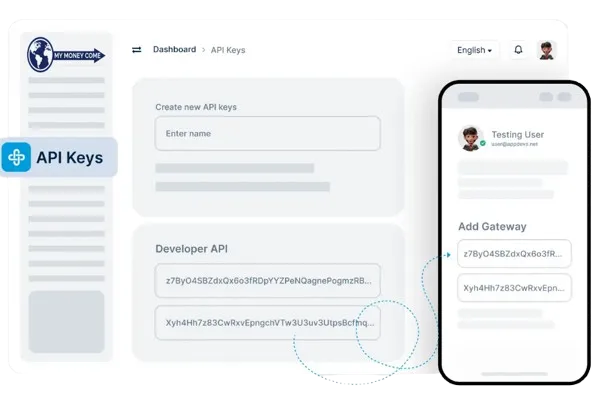
Learn more about creating, using, and managing API keys with My Money Come
Store your API keys in a secure environment, such as an encrypted server or a password manager, and avoid sharing keys with anyone. My Money Come also allows you to regenerate keys if you suspect any security risks.
Yes, My Money Come allows you to generate multiple API keys with specific permissions for each, so you can control access based on usage, team members, or integration needs.
If your API key is compromised, immediately revoke it through the My Money Come dashboard and generate a new key. My Money Come’s secure dashboard allows for easy key management to protect your platform.
No, My Money ComeAPI keys do not expire by default. However, you can manually revoke and regenerate them whenever needed to maintain the highest security standards.
Copyright © 2026 All Rights Reserved My Money Come - Pay